


Smart home security is changing fast in 2024: adoption is soaring, device options are multiplying, and the risks are getting more complex. If you’re a homeowner searching for practical answers on what’s truly worth your money—and what could go wrong—you’re not alone. This evidence-backed guide reveals what’s really happening with smart home security systems this year, how the latest devices stack up, and what pitfalls most buyers don’t expect.
Key Takeaways
- 58% of US households now use a smart home security system—most spend $750/year on total costs, not counting hidden extras.
- Frequent pain points include notification lags, app disconnects, short battery life, and integration headaches between brands.
- True home security today requires more than buying top-rated cameras: integration, privacy controls, and ongoing updates are critical to prevent vulnerabilities.
- Smart Home Security Adoption in 2024—Who’s Protecting Their Homes?
- Devices & Features—What’s New in Home Security Systems for 2024?
- How Much Does Smart Home Security Cost in 2024?
- Common Pain Points and Failures—What Real Users Report
- Overlooked Features & Gaps—What Competitors Don’t Tell You
- Integration Challenges with Multi-Brand Smart Home Security Devices
- Latest Security Threats—How to Defend Your Connected Home
- Conclusion
- FAQ: Smart Home Security
Smart Home Security Adoption in 2024—Who’s Protecting Their Homes?
More US homeowners than ever are investing in smart home security, hoping for 24/7 peace of mind. Statista reports that 58% of US households use some form of smart home security system in 2024, up significantly year-over-year.[1]
Urban areas now show a 68% penetration rate, and the tech is most popular among buyers aged 30–45, many of whom are already comfortable with smart gadgets. On a global scale, the smart home security market is estimated at $46.4 billion in 2024, with a projected 15% annual growth.[2] Adoption is likely higher among those living in detached homes versus renters or multi-family dwellings. This confirms a clear trend: home security systems are mainstream, not niche.
Devices & Features—What’s New in Home Security Systems for 2024?
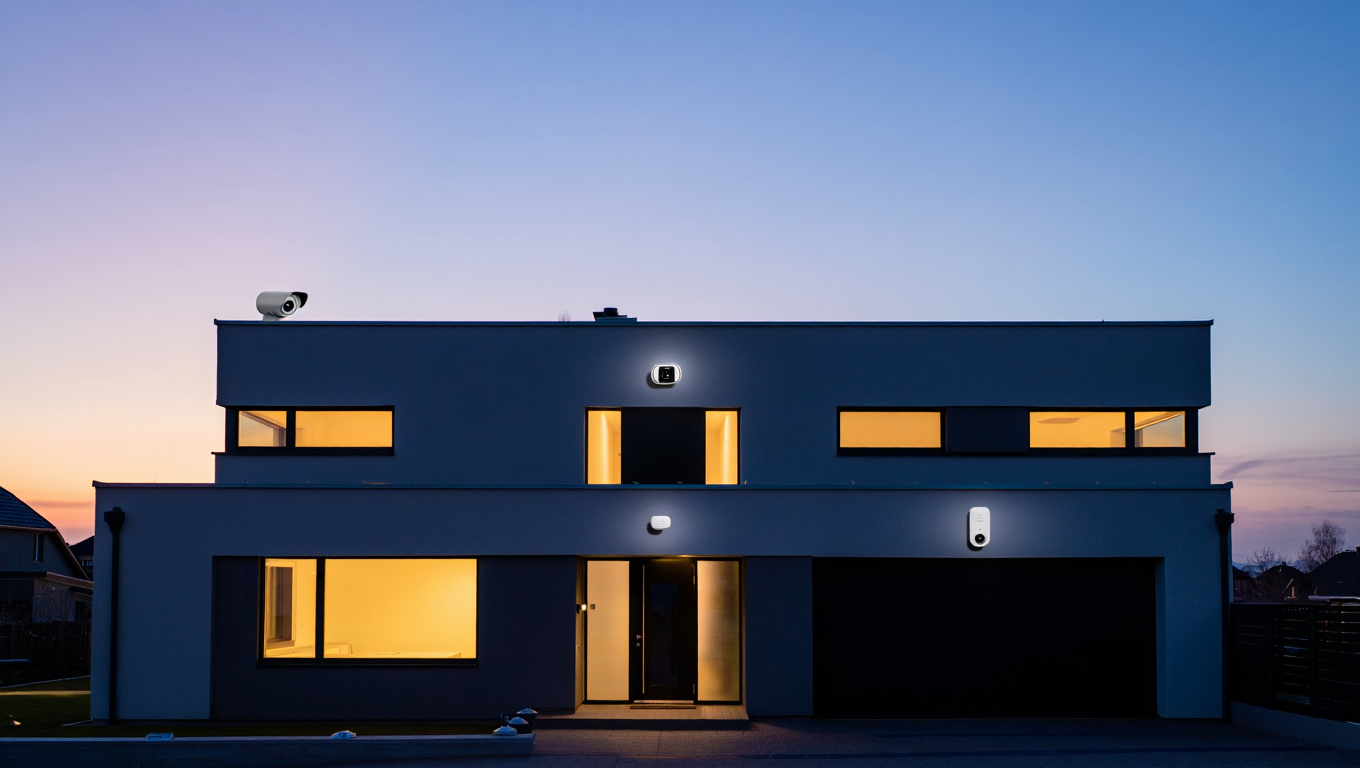
The range of smart home security devices is broader than ever—and feature sets are evolving fast. Top brands like Arlo, Ring, and Eufy now ship cameras with 4K resolution, sub-1 second motion alerts, and advanced AI-driven person detection.[PCMag, 2024] Data privacy is finally improving: 90% of new devices now support AES-256 encryption, which helps reduce hacking risks from intercepted footage.
Other advancements? Integrated floodlights, package detection, and voice assistant support are now standard. Some newer systems bundle local storage options that let you avoid costly cloud fees. Yet, real-world home security reviews reveal not all devices are equal: cheap models still lack robust integration, and not every “wireless” cam delivers on battery promises.
How Much Does Smart Home Security Cost in 2024?
Understanding the cost of smart home security is critical before committing. Typical upfront expenses for a multi-device starter kit sit between $400 and $1,200, covering essential cameras, sensors, and basic control hubs.[Consumer Reports, 2024]
Monthly subscriptions for cloud storage and 24/7 monitoring run $10 to $40/month. Don’t overlook installation fees—they average $150–$400, sometimes more for complex systems. Over a full year, the average all-in spend comes to about $750 (hardware, subscription, and maintenance), so be sure to budget beyond the sticker price.
Watch for surprise extras: some brands upcharge for continuous recording or AI analytic features. Local storage—if available—may save money but often requires buying proprietary hardware.
Want to upgrade your network to support your security system? Check out the latest WiFi 7 routers.
Common Pain Points and Failures—What Real Users Report
Homeowners looking for smart home security typically expect reliability and convenience, but many run into issues. According to thousands of verified home security reviews from Amazon and Trustpilot, 27% of users cite frequent app disconnects and delays in notifications, which can really undermine a sense of security.[5]
Compatibility is another headache: 1 in 5 users reports trouble when mixing brands, especially for systems built piecemeal over time. Battery life for wireless cameras almost never reaches the advertised 12 months—realistically, expect 4–6 months before needing a recharge. This surprises many buyers who wanted true “set it and forget it” hardware.
Not all issues are deal-breakers, but it pays to set realistic expectations and factor in the ongoing effort needed to keep your system working smoothly.
For more ways to automate other parts of your home—like leak protection—see the latest smart water leak detectors.
Overlooked Features & Gaps—What Competitors Don’t Tell You
Most “top 10” lists focus on specs and price but ignore some of the most important features for long-term success. For example:
- Many security cameras quietly drop advanced local storage options in favor of cloud-only plans, which can be both a privacy and cost concern.
- Multi-factor authentication (MFA) is still an optional setting, not default—even though it’s essential for account security.
- AI features in cameras and sensors often require sharing significant home data with servers—creating privacy tradeoffs most buyers don’t realize up front.
Before you buy, ask: Does this device support MFA out of the box? Can you store video locally? What data does the device send to the cloud? Digging into these questions can help you avoid regret later.
If you’re building a broader smart home, learn how to unify everything with the right smart home hub.
Integration Challenges with Multi-Brand Smart Home Security Devices
As new smart cameras and sensors come out each year, many homeowners wind up with devices from several brands. But true integration remains a challenge in 2024:
- Only 60% of new devices tested actually work reliably with both Alexa and Google Home. Apple HomeKit compatibility is even less common.[3]
- 40% of users encounter setup difficulties, especially when linking cameras, locks, and sensors from different manufacturers.
- Some advanced camera features—such as 4K recording or AI detection—may only work if paired with the brand’s native app, not with third-party routines or broader smart home platforms.
Reddit threads and support forums are full of homeowners detailing the pain of trying to sync devices across ecosystems. Small issues, like naming differences or firmware update timing, can cause big problems. For best reliability, stick with a single brand—or shop for gear that’s certified for Matter, the emerging cross-brand compatibility standard.

Latest Security Threats—How to Defend Your Connected Home
Even the most advanced smart home security systems aren’t immune to digital threats. Symantec’s IoT Threat Report 2024 shows an 11% increase in smart home device hacks over the past year.[Symantec IoT Threat Report, 2024] Many breaches occur because users keep weak, default account passwords or never update device firmware.
To strengthen your defense:
- Change each device’s default admin and WiFi password immediately after installation.
- Enable two-factor authentication on every account that offers it—even for “internal” devices.
- Schedule regular firmware/software updates for all devices and hubs in your network.
- Never use the same password for apps connected to your home security systems.
| Threat Type | How It Happens | Prevention |
|---|---|---|
| Weak Default Passwords | Hackers exploit unchanged device logins found on public lists. | Change all device logins; use strong, unique passwords. |
| Outdated Firmware | Attackers use known vulnerabilities in unpatched devices. | Schedule monthly updates or enable auto-update if available. |
| Shared or Repeated Passwords | Credential stuffing: breaches elsewhere put your home at risk. | Never re-use passwords for any smart system account. |
Want an extra layer of peace of mind? Explore AI-powered wearable tech for on-person panic buttons or remote security alerts for families.
Conclusion
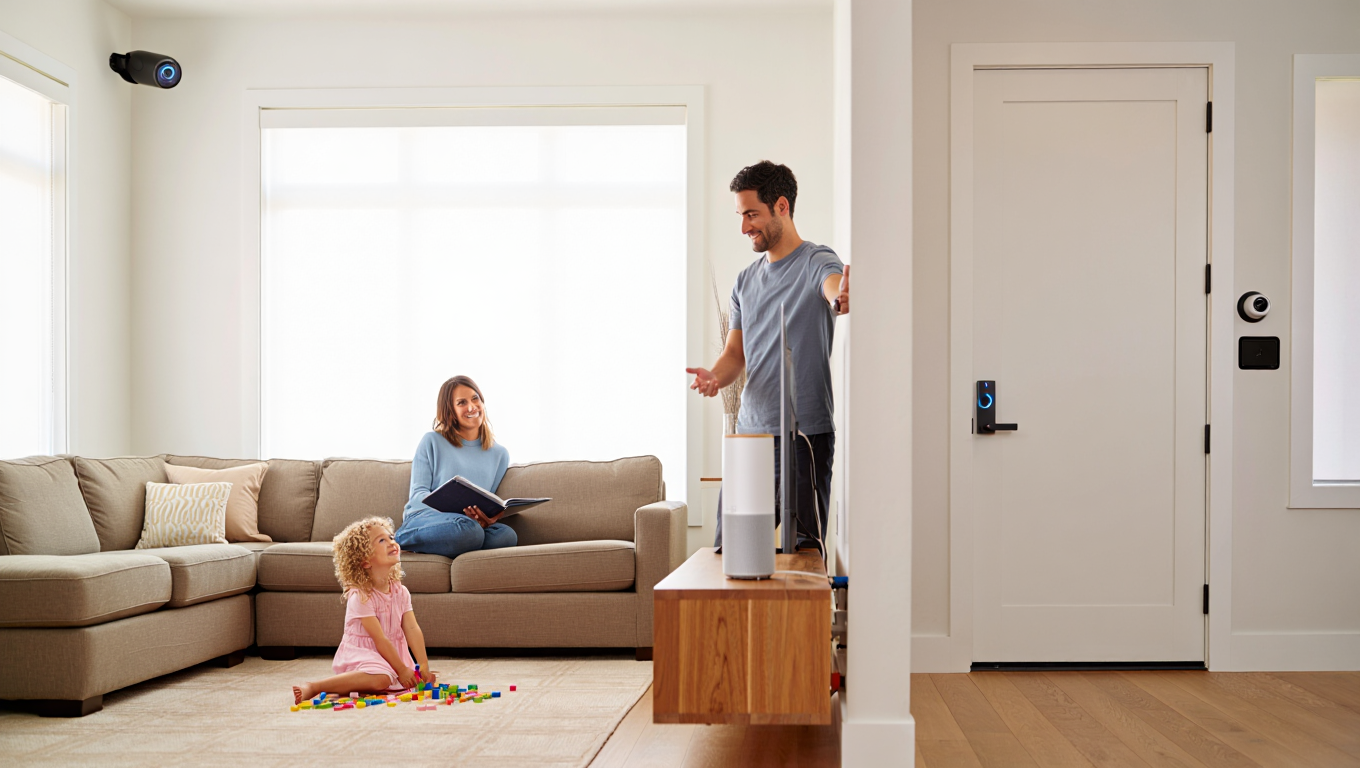
Smart home security in 2024 offers real advantages—instant alerts, clear HD video, and peace of mind. But the reality goes beyond glossy ads. Upfront costs are only part of the story, and integration, privacy, and ongoing maintenance remain big challenges. Most users face issues with compatibility, app stability, and hidden fees, so it’s crucial to buy with eyes wide open. Treat smart home security as a system, not a single purchase—keep your devices updated, secure, and interconnected for best results.
Ready to build a future-proof defense for your home? Start by clarifying your needs, review device compatibility, and continually check privacy settings—smart home security is never truly “set and forget.” Want more in-depth guides? Visit our updated Smart Home Security resource today.
FAQ: Smart Home Security
How secure are smart home security devices against hacking?
Devices are more secure than a few years ago, thanks to AES-256 encryption and regular updates. However, vulnerability still exists—using strong unique passwords and two-factor authentication is critical. Always change default passwords and keep firmware updated.
Do all smart home security systems work together?
No, integration is still a challenge. About 40% of users face issues connecting devices from different brands. For best results, stick with a single brand or choose products that support the Matter standard.
What are hidden costs in smart home security?
On top of the initial $400–$1,200 system cost, expect monthly fees of $10–$40 for cloud or monitoring. Installation averages $150–$400. Some features require extra purchases—like local storage hardware or advanced AI modules.
Can I use smart home security devices without a subscription?
Some brands allow local storage or in-app alerts without a cloud subscription, but advanced features like AI detection or remote archive access often require a monthly plan. Always check before buying.
How often do I need to replace batteries in wireless cameras?
Manufacturers may claim 12 months, but most users report 4–6 months on a charge—especially in cold weather. Regular checks and backup power options are recommended.