

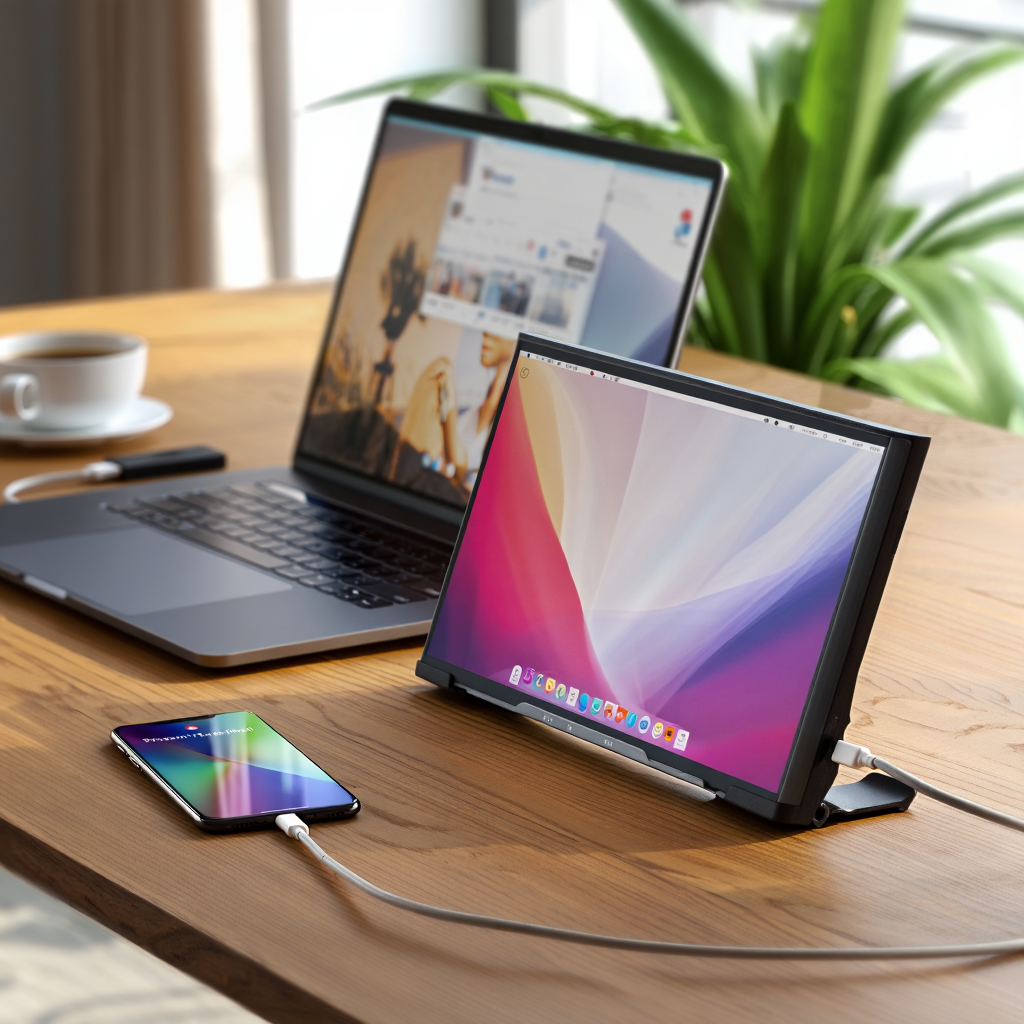
Portable Monitor 4K models in 2024 are transforming how mobile professionals and gamers get work done and play—without the clutter or bulk of a traditional second screen.
Key Takeaways
- 2024’s portable monitor 4K lineup finally delivers true desktop-grade sharpness and color accuracy—on the go.
- Real-world usability depends on factors like genuine plug-and-play compatibility, power delivery, and durability for travelers.
- Hidden costs (premium cables, stands, cases) can add up quickly—savvy buyers look past just the spec sheet.
- Why Choose a Portable Monitor 4K in 2024?
- Specs Showdown: Leading Portable Monitor 4K Models Compared
- Real-World Performance: What Matters Most for Travel, Work, and Gaming
- Total Cost Breakdown: 4K vs. FHD Portable Monitors
- Durability & Build: How Well Do 4K Portable Monitors Handle Travel?
- Overlooked Yet Crucial Features for Dual-Screen Work or Gaming
- Verdict & Buying Tips for 2024
- FAQ: Portable Monitor 4K and Laptop Setups
Why Choose a Portable Monitor 4K in 2024?
The demand for a top-tier portable monitor 4K has skyrocketed among remote workers, business travelers, and serious gamers. According to current industry reports, the global portable monitor market grew by 28% between 2023 and early 2024, with 4K portables leading that surge at an estimated 35% annual growth rate by the end of 2024 [1]. People are turning to portable monitors for laptops to unlock true dual-screen productivity on the go, create crisp workspaces in hotel rooms, and enjoy sharper visuals for creative or gaming needs.
More than just “bigger” displays, this new generation answers calls for:
- Pin-sharp 4K resolution for multitasking (four FHD equivalent windows side by side)
- Vibrant color accuracy and wide gamuts for photo/video work
- Minimal input lag and high refresh rates demanded by gamers
- Genuine plug-and-play simplicity—no drivers, no headaches

This shift isn’t about specs alone—it’s about finally achieving true desktop-grade flexibility anywhere.
Specs Showdown: Leading Portable Monitor 4K Models Compared
The specs on paper often look similar—but real-world experience comes down to more than resolution. Here’s how the best 2024 models from ASUS, Lenovo, ViewSonic, and Arzopa stack up on key criteria:
| Model | Panel Type | Size | Resolution | Brightness (nits) | Color Gamut | Refresh Rate | Weight (lbs) | Thickness (mm) | Notable Features |
|---|---|---|---|---|---|---|---|---|---|
| ASUS ProArt PQ24 | OLED | 15.6” | 3840×2160 | 450 | 99% Adobe RGB | 120Hz | 1.7 | 8.8 | HDR, G-Sync Support |
| Lenovo ThinkVision M14d 4K | IPS | 14” | 3840×2160 | 350 | 99% sRGB, ΔE<2 | 60Hz | 1.6 | 7.5 | Integrated Stand |
| ViewSonic VX1655-4K | IPS | 16” | 3840×2160 | 400 | 100% sRGB | 60Hz | 1.85 | 9.1 | PD Passthrough |
| Arzopa Z1FC 4K | IPS | 15.6” | 3840×2160 | 370 | 97% DCI-P3 | 144Hz | 2.3 | 9.8 | Adaptive Sync |
2024 averages: brightness 300–450 nits, genuine Adobe RGB/sRGB coverage, color-accurate IPS or dazzling OLED panels, and weights from 1.6 to 2.5 lbs. Many now rival desktop displays for vividness [2].
Refresh rates hit 120Hz or even 144Hz for premium gaming units, but entry models still often cap at 60Hz. On-the-move users should also verify cable/power needs for these resolutions and rates—see more on that below.
Real-World Performance: What Matters Most for Travel, Work, and Gaming
Specs are only half the story. Daily users (and hundreds of reviews) expose common friction points:
- Connectivity headaches: Not every USB-C port is created equal. Some laptops or consoles won’t deliver enough power or video bandwidth. HDMI fallback is common, but requires external power adapters.
- Power delivery quirks: Plugging a 4K portable monitor with PD passthrough should charge your laptop—but cable quality and negotiation protocols vary. Users report power “dropouts” or laptops not charging while the monitor is active.
- Compatibility annoyances: Windows plug-and-play is mostly reliable, but several 2024 macOS updates broke output on key chipsets and left users scrambling for firmware or driver fixes.
- Laptop battery drain: A 4K portable monitor typically accelerates battery depletion by 25%–40% compared to FHD, especially at high brightness or refresh rates [3]. Road warriors, take note—and pack a proper power bank or lean into GaN fast chargers for reliable top-ups.
Despite marketing promises of universal “plug-and-play,” the reality is that reliable dual-screen work often depends on:
- Quality of supplied (or replaced) high-quality USB-C/Thunderbolt cables
- Using powered USB-C hubs or external docks—especially for MacBooks, lightweight ultraportables, or tablets
- Updating firmware and being ready to chase down drivers or OSD tweaks—especially on models with high refresh rate or touch features
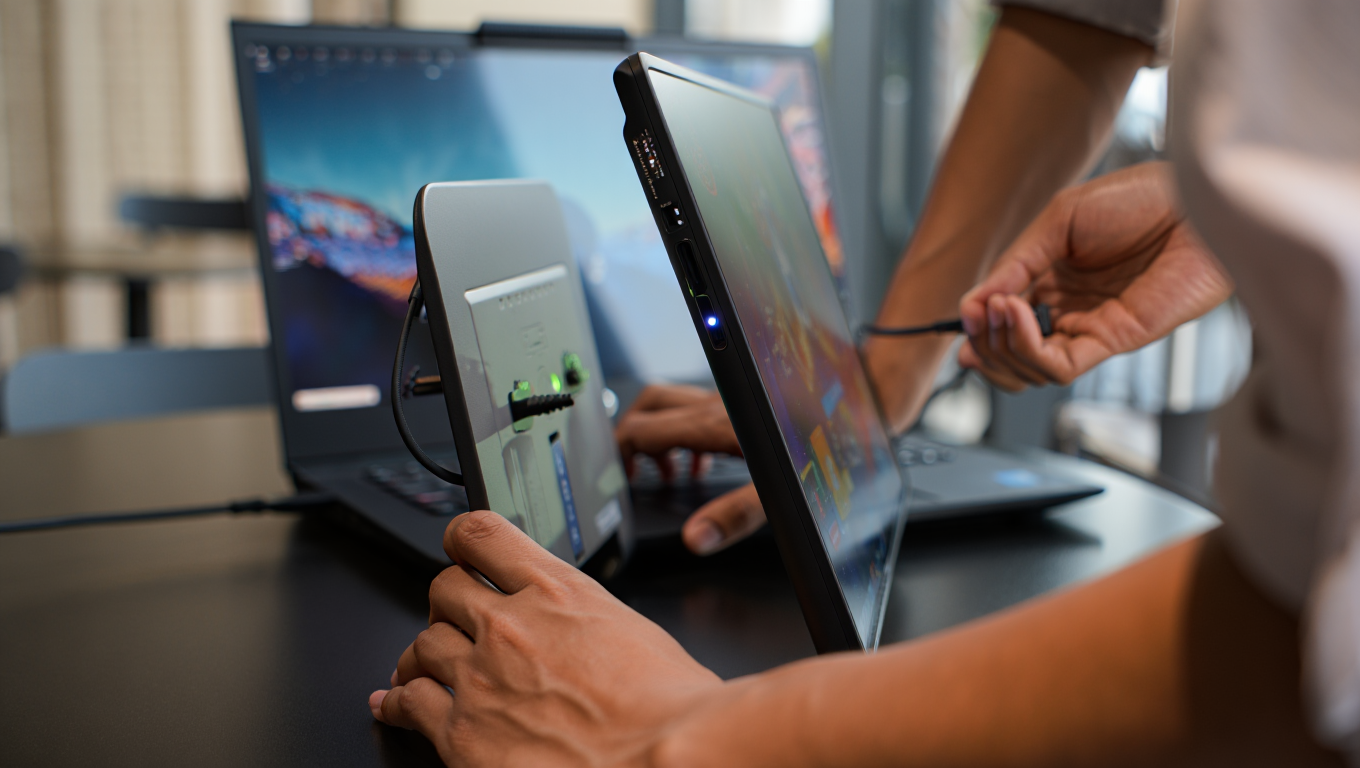
This is where planning your full setup with the right accessories pays off. Consider pairing your display with a lightweight mini gaming PC for premium portable performance, or optimize around reliable open ear headphones when gaming or conference calling in public.
Total Cost Breakdown: 4K vs. FHD Portable Monitors
It’s easy to get sticker shock once you add up the true cost of a portable monitor 4K setup:
- 4K portables: $400–$900 (average: $550, depending on OLED/refresh rate/durability)
- FHD portables: $150–$350 for similar size/features
Premium models trend higher for OLED panels, adaptive sync, and ultra-thin designs. But the initial price is just the start. Most real users end up shelling out for:
- High-quality USB-C/Thunderbolt cables: $20–$40 per set (factory cables often fail or underperform, especially at 4K/120Hz)
- rugged travel cases or folding stands: $30–$80, essential for daily travelers
- external docks/adapters: $40–$150, especially for those with MacBooks, ultralights, or multi-device setups
In some scenarios you’ll want extra protection, similar to a premium tablet travel case. And for work-from-anywhere professionals, these extras are non-negotiable for road longevity and plug-in reliability.
Add it up: the “real world” out-the-door cost of a high-end portable monitor 4K, with cables and stands, is usually $600–$1,050. FHD midrange setups average $200–$450. Plan accordingly.
Durability & Build: How Well Do 4K Portable Monitors Handle Travel?
Marketing shots look robust—but mobile monitors face real trauma: backpacks, TSA bins, bumpy trains, and the odd coffee spill. 2024 models are slimmer and lighter than ever, but user reviews consistently cite:
- Panel flex—can cause permanent color “bruising” or internal defects after drops or pressure
- Loose ports—heavy cable use or micro vibrations from buses/planes often loosen poorly supported USB-C/HDMI ports, causing flakiness
- Travel case weaknesses—standard slipcases lack shock absorption; better models offer padded, rigid shells, similar to premium projector cases
According to review aggregators and Amazon stats, at least 18% of 4K portable monitor owners report durability or build issues within the first 6 months of regular travel. This is especially true with budget brands—a reminder to avoid models that prioritize ultra-thinness over real reinforcement [2].
Serious travelers should:
- Choose models with side-reinforced chassis and recessed ports
- Always add a dedicated hard shell travel case, even if the vendor’s is “included”
- Double check warranty fine print—physical damage is rarely covered for portable displays
Overlooked Yet Crucial Features for Dual-Screen Work or Gaming
Three areas almost never covered in typical reviews, but matter hugely for everyday usability:
- Cable and Power Negotiation Protocols
Modern 4K portable monitors require both high data bandwidth and scalable power delivery. Not all USB-C ports (even those labeled “PD”) support DisplayPort Alternate Mode at full resolution and refresh. This can lead to frustrating “works on some devices, not on others” headaches. Top models use smarter chips that can auto-negotiate with tricky laptops and smartphones—look for this in user reviews and specs. - Adaptive Sync (G-Sync/FreeSync) Support
True gaming-grade portables in 2024, like the Arzopa Z1FC, now offer adaptive sync—even at 4K resolution—to eliminate screen tearing or stutter during fast-paced play. Only a handful of models deliver this without firmware bugs or input lag. Serious gamers should check for native support, not just “compatible” marketing language (for more, see our Steam Deck OLED verdict for portable gaming trends). - OSD (On-Screen Display) Menu Ergonomics
If you juggle work/gaming/photo edits, quick access to pre-built profiles (sRGB, DCI-P3, low-blue-light) matters. Most brands bury these in clunky menus. The very best let you assign presets or offer physical shortcut buttons—saving time and frustration in dark planes or fast office pivots.
Remember, the best portable monitor 4K for you isn’t just about pixels—it’s about how easily the screen integrates into your day-to-day rhythm with the least hassle.
Verdict & Buying Tips for 2024
After comparing dozens of real-world reviews, specs, and user experiences, here’s what matters most when buying a portable monitor 4K:
- Verify full-bandwidth USB-C/Thunderbolt support for your devices before buying—don’t count on adapters to “just work.”
- Prioritize models with genuine color accuracy and solid OSD shortcuts if you bounce between work, media, and gaming.
- Invest in rugged, dedicated cases and premium cables from day one—small costs that massively extend usable life on the road.
- If you’re a gamer, seek out adaptive sync support at true 4K/120Hz or higher—without it, ghosting and tearing persist even on the latest models.
- Plan for battery realities: pack a reliable external battery bank or GaN charger if you’ll be away from outlets for long stretches.
Here’s a quick checklist tailored to your workflow:
- Remote workers: IPS/OLED, true sRGB >99%, integrated stand, light weight (under 2 lbs)
- Gamers: 120Hz or higher, adaptive sync (G-Sync/FreeSync), reinforced ports
- Frequent travelers: Sub-9mm thickness, hard shell case, minimal cable needs, extended warranty
Bottom line: a portable monitor 4K is an investment in personal productivity and travel flexibility—but only if you pick a model that balances specs, real usability, and ruggedness for life on the move.

Ready to take your mobile setup to the next level? Choose your portable monitor 4K carefully and you’ll unlock true dual-screen power, anywhere you go.
FAQ: Portable Monitor 4K and Laptop Setups
Will any USB-C cable work with my 4K portable monitor?
No, not all USB-C cables are created equal. For stable 4K/60Hz (or higher) performance with power delivery, you must use cables rated for Thunderbolt 3 (or 4) or full-featured USB-C with DisplayPort Alternate Mode. Cheap or old cables often cause flickering, dropouts, or limited resolutions.
Can I use a portable monitor 4K with my MacBook or iPad?
Most recent MacBooks support 4K output and power delivery over USB-C/Thunderbolt. However, some users encounter issues after macOS updates or with M-series chipsets—always check for recent compatibility reports or firmware updates.
How much does using a 4K portable monitor affect battery life?
On average, running a portable 4K monitor drains your laptop battery 25–40% faster than a comparable FHD model, especially at high brightness. Always have a backup charger or try a GaN fast charger for long journeys.
Are portable 4K monitors fragile for frequent travel?
They’re much more robust than in previous years, but thinness comes at a cost. Many real-world complaints cite flexing panels or loose ports after months of travel. Investing in a rugged case and handling with care is highly recommended.
What accessories do I really need for a 4K portable monitor setup?
At a minimum: a premium USB-C cable, a rigid or padded travel case, and possibly a stand if your monitor doesn’t include one. Gamers or remote workers may also want an external dock for stable multi-device use.