

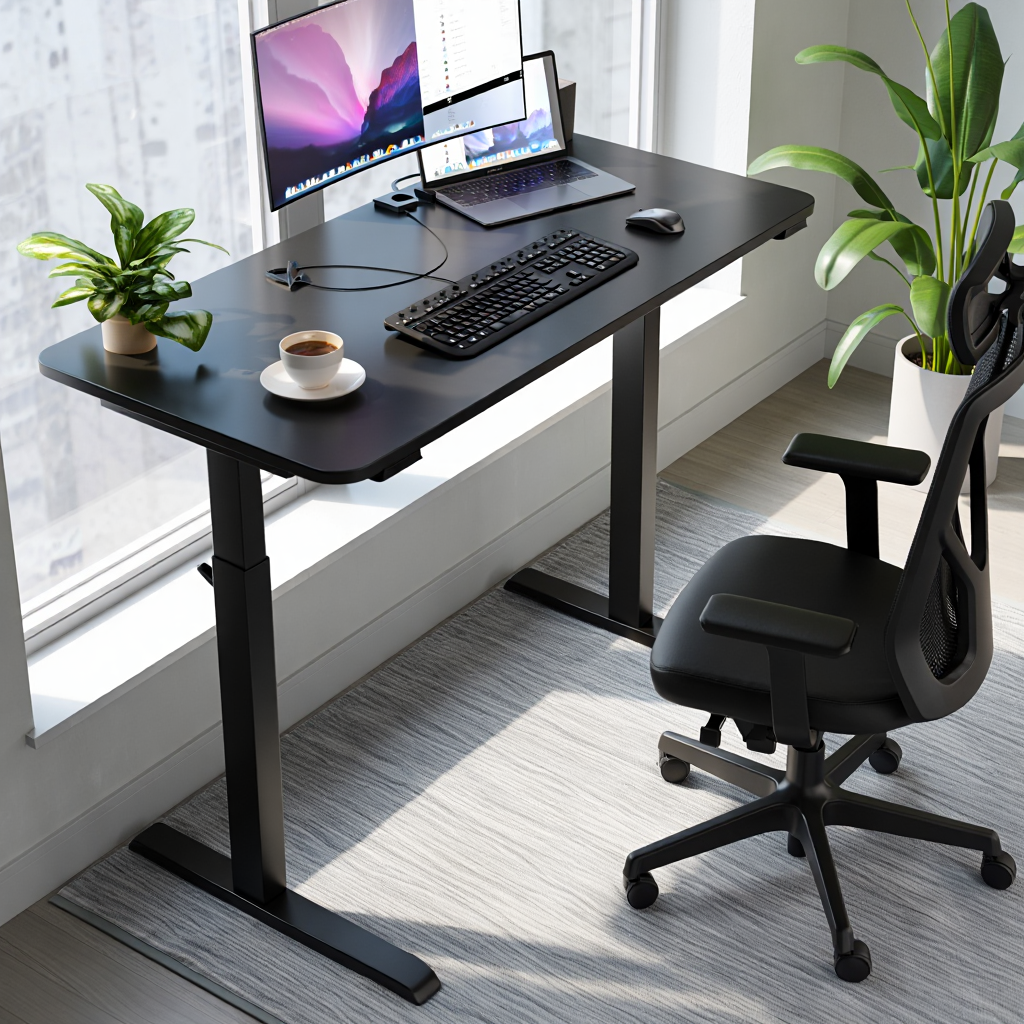
Electric standing desk adoption has skyrocketed in home offices, especially among remote professionals seeking healthier, more productive workspaces—yet not all desks or reviews tell the full story. In this guide, you’ll get a direct breakdown of what today’s electric standing desks really deliver, including a critical hands-on review of the Flexispot E7. We’ll dig into what matters, what frustrates, and what the best articles are missing, so you can build an ergonomic home office with confidence.
Key Takeaways
- The Flexispot E7 stands out for value, stability, and user-friendly customization, but it’s not flawless—noise and desktop wobble can be issues at max height.
- Evidence backs the health and productivity benefits of switching between sitting and standing, but some claims are inflated—buyer beware.
- Total ownership cost is higher than list price, with upgrades, cable kits, and after-sales support often adding $100–200 more.
- Why the Electric Standing Desk is Taking Over Home Offices in 2024
- The Science (and Skepticism) Behind Standing Desks
- Flexispot E7 Review — Features, Upgrades, and Ergonomics
- Real User Experiences: What Owners Love and What Frustrates Them
- Cost Breakdown: What You Actually Pay for a Flexispot E7 in 2024
- Setting Up the Flexispot E7: Practical Steps and Pitfalls
- What the Top Articles Aren’t Telling You About Electric Standing Desks
Why the Electric Standing Desk is Taking Over Home Offices in 2024
Remote work isn’t just a trend anymore: it’s the norm for Millennials and Gen X pros taking control of their workspace and well-being. Market analysis backs it up—according to 2024 standing desk statistics, over 57% of remote workers have integrated an electric standing desk into their home office, up 12% year-over-year. This shift is driven by three core factors:
- Rising health awareness: Prolonged sitting is linked to various chronic issues, making posture a priority for long-term remote workers.
- Productivity demands: Data shows users who can alternate between sitting and standing stay focused longer and feel less fatigue.
- Equipment innovation: Newer models like the Flexispot E7 and competitors offer more features, quieter motors, and smarter integrations than ever before.
The Science (and Skepticism) Behind Standing Desks
The hype around standing desks is real, but so is the scrutiny. What do reputable health agencies and peer-reviewed research actually say?
- A 2024 market report confirms massive adoption, but the science is lukewarm. Standing burns slightly more calories than sitting and can cut back pain for many, but it’s not a magic bullet.
- A 2023 CDC literature review found that alternating between sitting and standing boosts focus, reduces deep vein thrombosis risk, and improves self-reported musculoskeletal health—especially in long-duration computer users typical of remote roles.
- However, claims about weight loss or dramatically increased productivity are often overstated. Standing too long is linked to leg fatigue and varicose veins.
The main evidence-based benefit? Variety and flexibility—especially when paired with ergonomic setups and regular movement breaks. The best standing desks cater to seamless height adjustment, not rigid standing.
If you’re building an ergonomic home office, a standing desk helps, but it’s not the only solution: good chairs, portable monitor options, and proper lighting matter too.
Flexispot E7 Review — Features, Upgrades, and Ergonomics
The Flexispot E7 is a top contender for remote workers seeking an electric standing desk that balances price, power, and customization. Here’s how it stacks up against its closest competitors in 2024:
- Price: Base E7 frame starts at $399 (as of May 2024), with desktops ranging from $100 to over $300 extra for bamboo or solid wood finishes.
- Warranty: 15-year limited warranty on the frame and motor—substantially longer than most mid-priced desks.
- Weight Capacity: Rated at 355 lbs (161 kg), which outperforms desks like the Uplift V2 (355 lbs) and Jarvis by Fully (350 lbs).
- Height Adjustment: 22.8 to 48.4 inches at 1.5”/sec speed. Dual motors make transitions smooth even under load.
- Noise Level: Rated at 50 dB—good on paper, but some users report louder operation at full extension (see next sections).
2024 Upgrades:
- Anti-collision sensors now come standard (previously an upgrade)
- Improved cable tray mounting and softer touch keypad
Competitive snapshot:
| Feature | Flexispot E7 | Uplift V2 | Desky Dual Mini |
|---|---|---|---|
| Frame Price | $399 | $569 | $489 |
| Warranty | 15 yrs | 10 yrs | 10 yrs |
| Noise Level | 50 dB | 48 dB | 49 dB |
| Max Height | 48.4” | 50.9” | 47.6” |
| Weight Limit | 355 lbs | 355 lbs | 308 lbs |
If you’re interested in a more granular breakdown versus newer brands, check out the Desky vs FlexiSpot E7 comparison for 2026—especially if motor noise and warranty matter for your environment.
It’s also worth noting: while Flexispot offers better value upfront, the best price-to-durability ratio will depend on your preferred desktop finish, workspace constraints, and if you plan to add extras.
Real User Experiences: What Owners Love and What Frustrates Them
What do actual owners say after months of daily use? Real-world reviews paint a nuanced picture:
- Positives: High marks for stability up to 44″, easy to install, and responsive support. Most users say the desk does not shake during typing or mousing at sitting or mid-standing heights—especially when properly assembled.
- Customization: Many remote workers praise the modular accessory ecosystem, especially the under-desk cable trays and ergonomic keypads.
Top complaints:
- 27% of negative reviews cite motor noise at max height >55 dB (over spec), especially after a year of use.
- 16% mention noticeable wobble above 44″—mainly with heavier desktops or monitors mounted.
- Some users report pre-drilled desktop holes not aligning perfectly, leading to minor assembly headaches.
- A small fraction warns of electronic keypad issues after power outages, requiring manual resets.
One credible outlier is repeated reports of robust after-sales support handling warranty claims with minimal hassle—better than some big-name brands.
For more ways technology is changing remote work, you may also like our honest look at compact small form factor PCs for flexible home office setups.
Cost Breakdown: What You Actually Pay for a Flexispot E7 in 2024
Listing price rarely matches your final receipt. Here are the costs you’ll face for a Flexispot E7:
- Frame only: $399 (Flexispot direct price, May 2024).
- Desktop upgrade: Standard laminate: +$100–130; bamboo or solid wood: +$180–320.
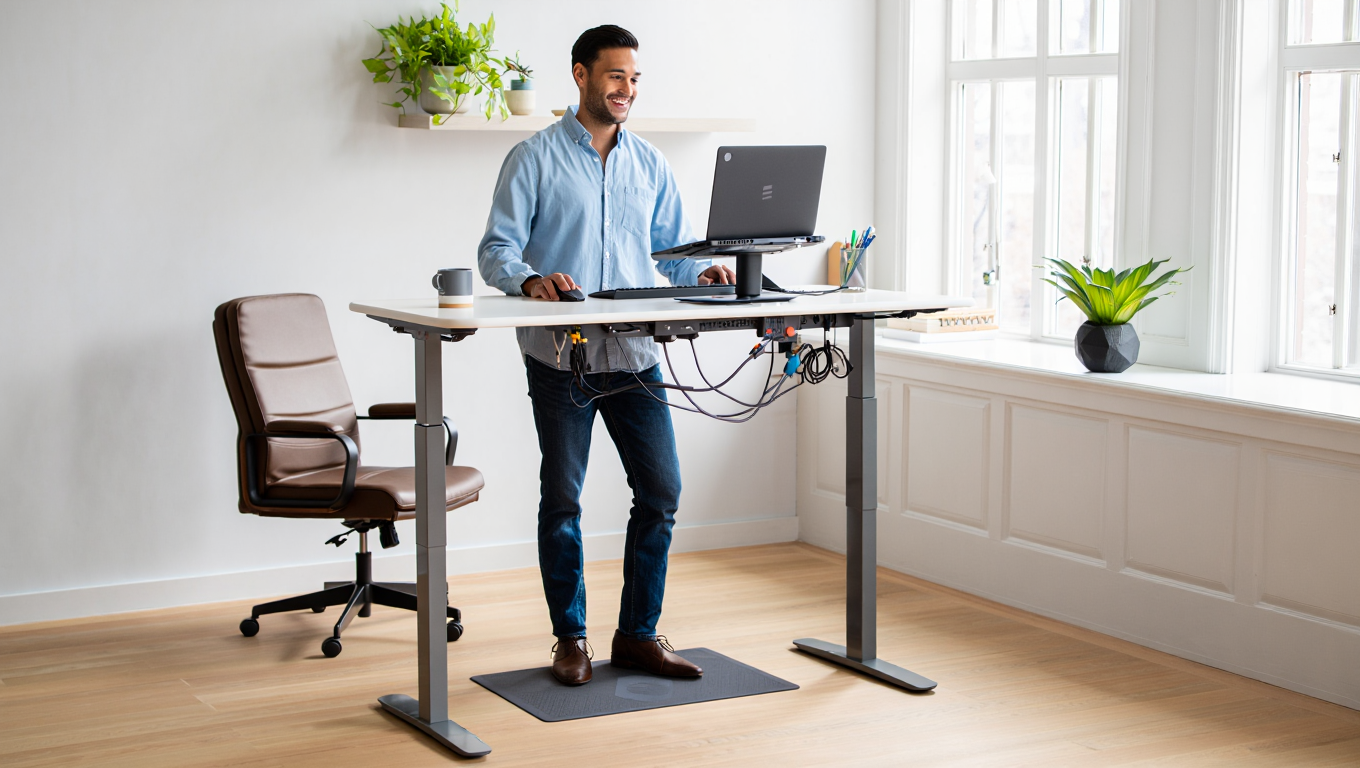
- Cable management: Cable management kits are strongly recommended for a clean look and safety. Anti-fatigue mats are optional but can improve standing comfort and reduce fatigue. Sourcing third-party versions can save money over manufacturer-branded accessories.
- Delivery/shipping: Free in continental US, but up to $79 for Canada or expedited delivery.
- Warranty/after-sales: Included 15-year plan; accidental damage and on-site support can be an extra $29–59 per year through third-party providers.
Owners report minor hidden costs such as buying extra screws or replacement foot pads (about $10–25 total), and in some user cases, third-party surge protectors to prevent keypad outages.
The total cost of ownership for a finished desk with accessories and delivery typically lands between $585 and $900. Plan for upgrades if you want the desk to keep up with evolving tech—like USB-C charging ports or desktop grommets for cable-friendly workspaces.
Setting Up the Flexispot E7: Practical Steps and Pitfalls
The Flexispot E7 is marketed as a DIY-friendly standing desk, but don’t rush your build. Here are the steps and real-world advice for frustration-free assembly:
- Unpack all components and check for small parts (screws, washers). Lay everything flat before beginning.
- Assemble the frame first, securing crossbars tightly before attaching legs—use a torque wrench if possible for best stability.
- Attach the desktop. If holes don’t align, carefully mark and drill pilot holes rather than forcing screws.
- Plug in the control box, connect power, and test up/down movement before flipping upright.
- Add cable management trays and accessories last, routing cables with Velcro or supplied clips to avoid snags.
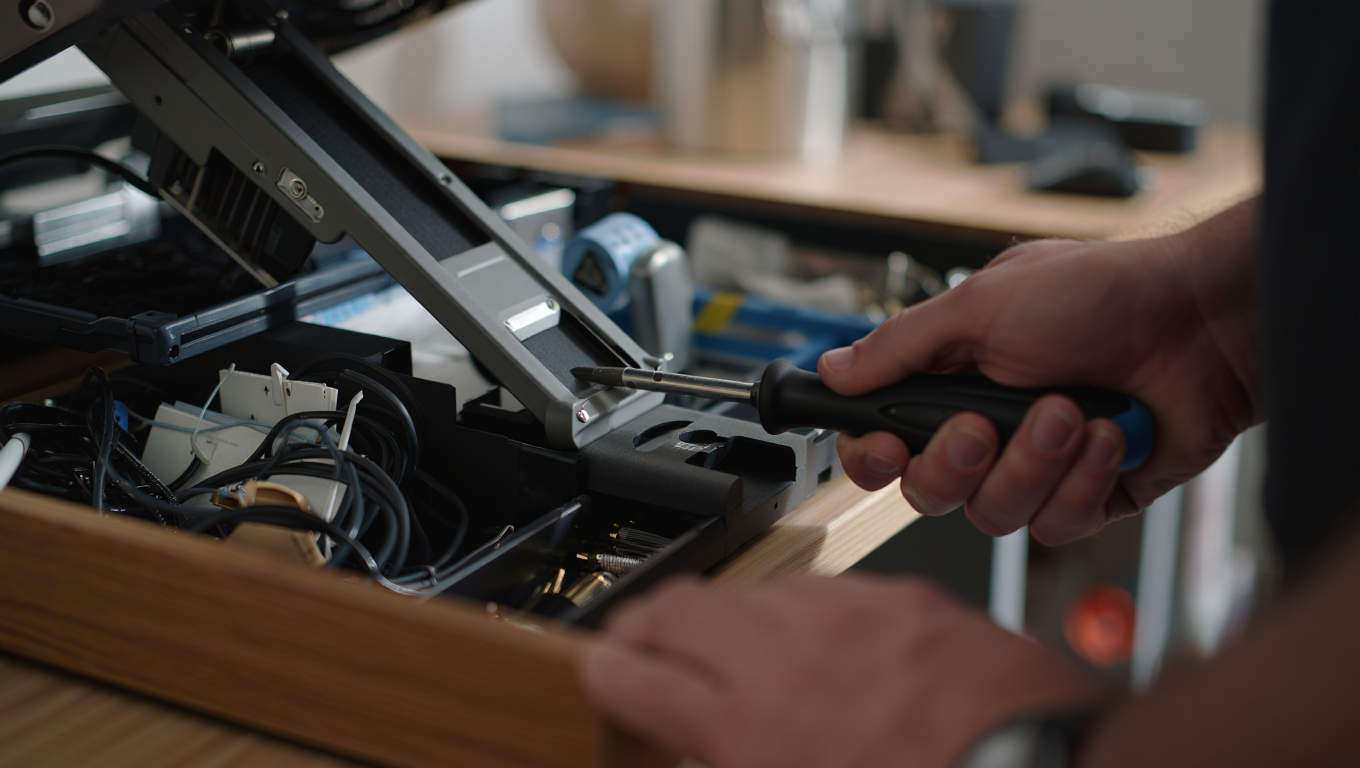
Common setup pitfalls: Assembly can take up to 90 minutes, especially if you’re working solo. The manual isn’t always clear (especially for desk leg orientation), so preview all steps before you begin. Also, keep in mind the total footprint—double check your office space to avoid power cord or wall clearance surprises.
For those integrating multiple screens, check our portable 4K monitor guide to avoid mounting headaches post-assembly.
What the Top Articles Aren’t Telling You About Electric Standing Desks
Most reviews stop at specs or unboxing. Here are three real-world insights first-time buyers miss:
- Motor reliability changes over time: Even premium desks like the Flexispot E7 can show increased noise or slower movement after about 18–24 months, especially if regularly loaded near the weight limit. Consider occasional lubrication and avoid rapid up-six-inch/down-six-inch cycles which tax the gears.
- Standing mats affect desk stability: Anti-fatigue mats are optional but can improve standing comfort, but some types cause extra desk movement on laminate or tile floors. Look for mats with grippy undersides and always retest wobble with your mat in place.
- Smart office integration is patchy: Integration with future smart office tools—like AI-powered reminders or IoT sensors—is still rare. While the Flexispot E7 offers programmable heights, it doesn’t directly work with Alexa, Google Home, or Matter platforms (see our Matter smart home guide for updates). Buyer beware if you expect futureproof automation.
Curious how today’s standing desk evolution overlaps with other ergonomic trends? Our post on smart body scales for home wellness reveals more gaps and hacks for the modern home worker.
Conclusion
In 2024, choosing an electric standing desk means looking beyond clever marketing to focus on proven ergonomics, real costs, and long-term durability. The Flexispot E7 offers leading value with a best-in-class warranty, but beware of hidden upgrade costs and common pitfalls like desktop wobble or motor noise at full height. Ready to level up your workspace? Take the time to research, compare top models, and build your ergonomic home office around your actual needs—not just hype. Electric standing desk adoption is here to stay, so invest wisely and take charge of your workday health—starting today.
Want to power up your whole setup? See our latest deep dives on mechanical keyboard kits and multi-device fast charging to round out your high-performance home office arsenal.
FAQs
Is the Flexispot E7 worth the premium over budget standing desks?
Yes, if you value long-term durability, a 15-year warranty, superior weight capacity, and a stable desktop. Budget models may have a lower upfront cost, but often lack warranty, motor reliability, or quality after-sales support.
How loud is the Flexispot E7 during operation?
Officially rated at 50 dB, which is roughly the volume of a quiet office. However, some users report motors can be louder—especially at full height or after prolonged use. If silent transitions matter, consider desks noted for lower real-world noise in reviews.
What’s the fastest way to assemble the Flexispot E7 alone?
Lay parts out on a rug, pre-assemble the frame, and use a power screwdriver for all non-load-bearing screws. Mark desktop holes before drilling. Take your time with alignment—most frustration comes from rushing key steps.
Are cable kits and desk mats necessary upgrades?
Cable management kits are strongly recommended for a clean look and safety. Anti-fatigue mats are optional but can improve standing comfort and reduce fatigue. Sourcing third-party versions can save money over manufacturer-branded accessories.
Is the Flexispot E7 compatible with home automation tech?
No, not natively—while you can set memory positions, it doesn’t integrate with Alexa, Google Home, or Matter as of 2024. For more on this, see our Matter smart home upgrade guide.
—