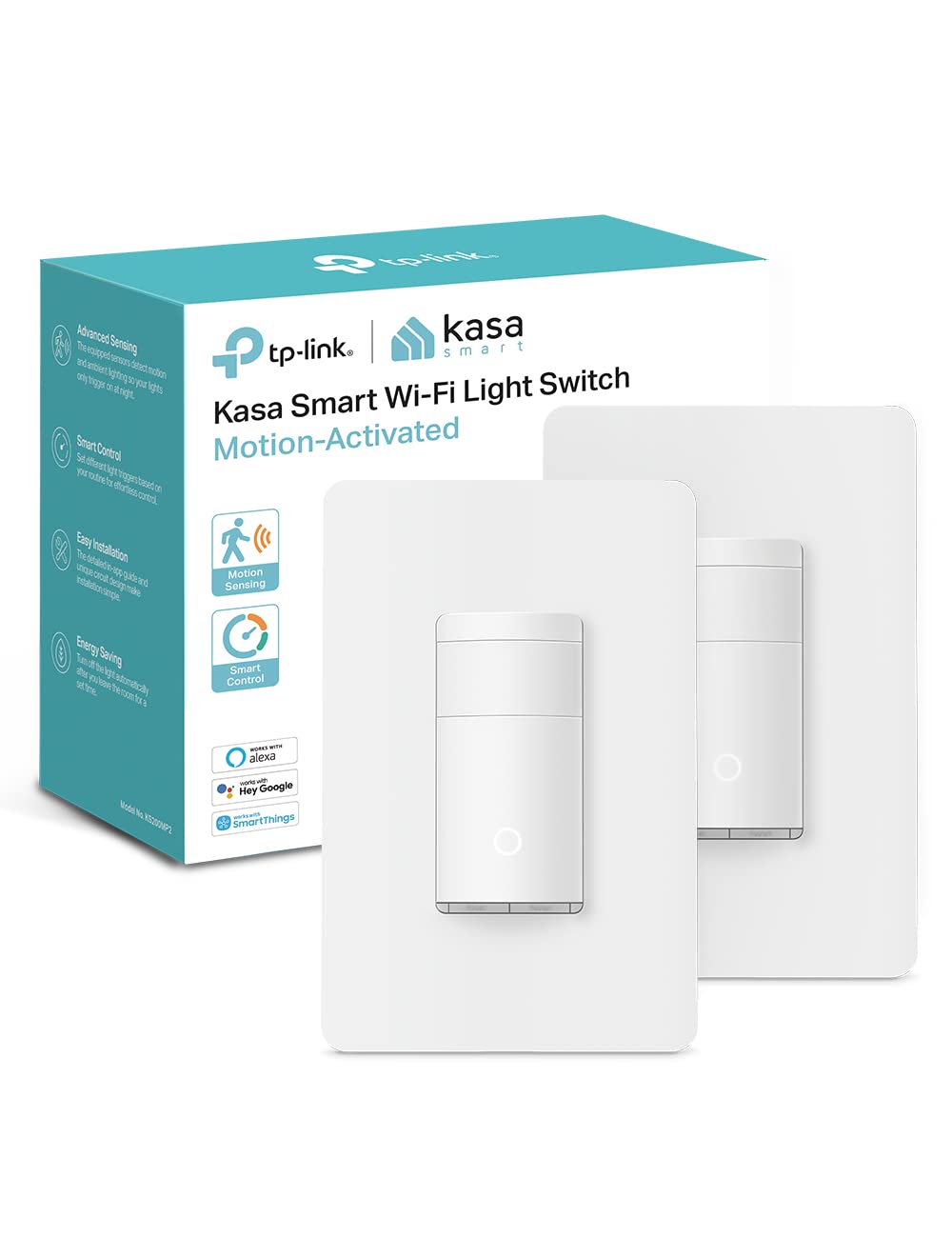
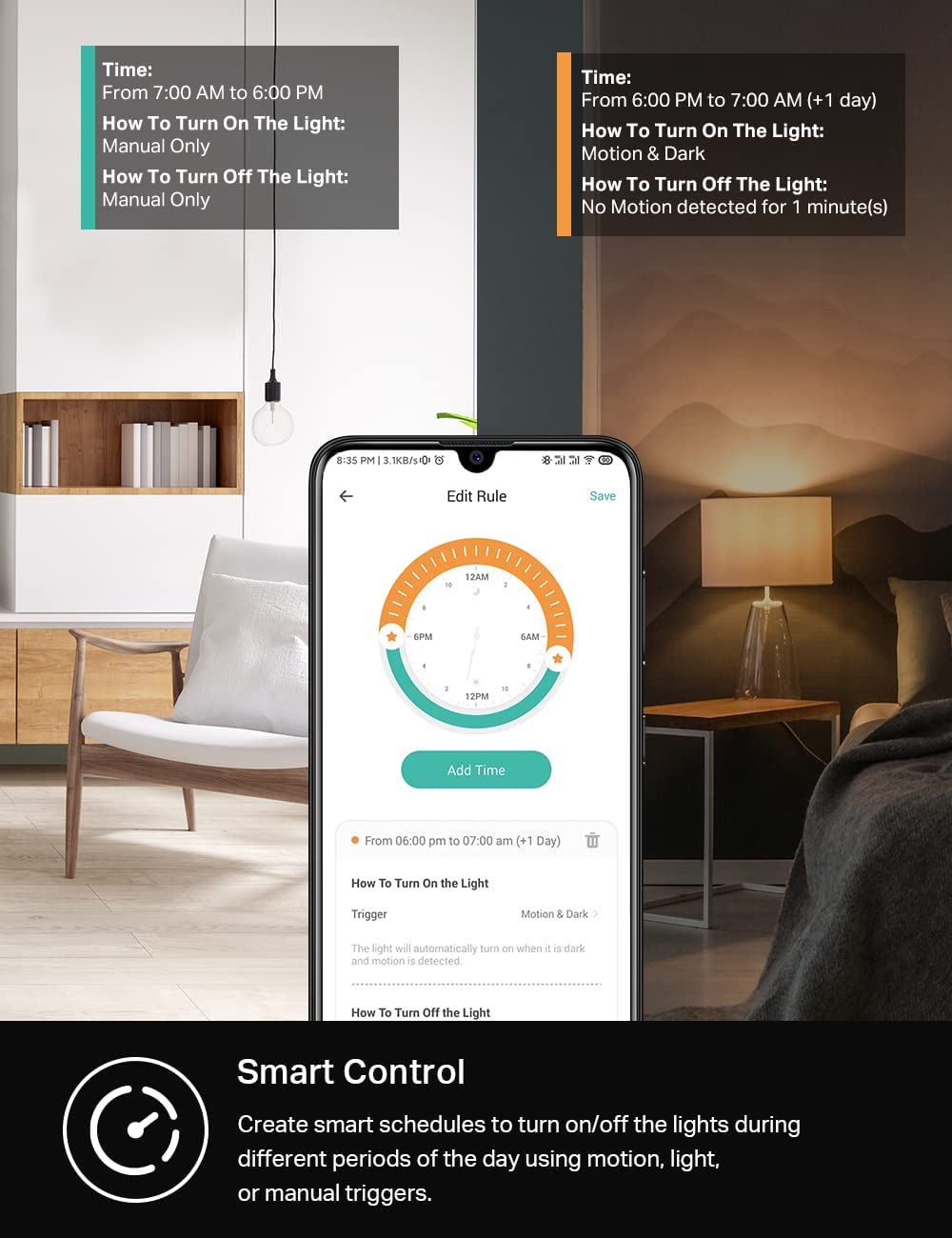
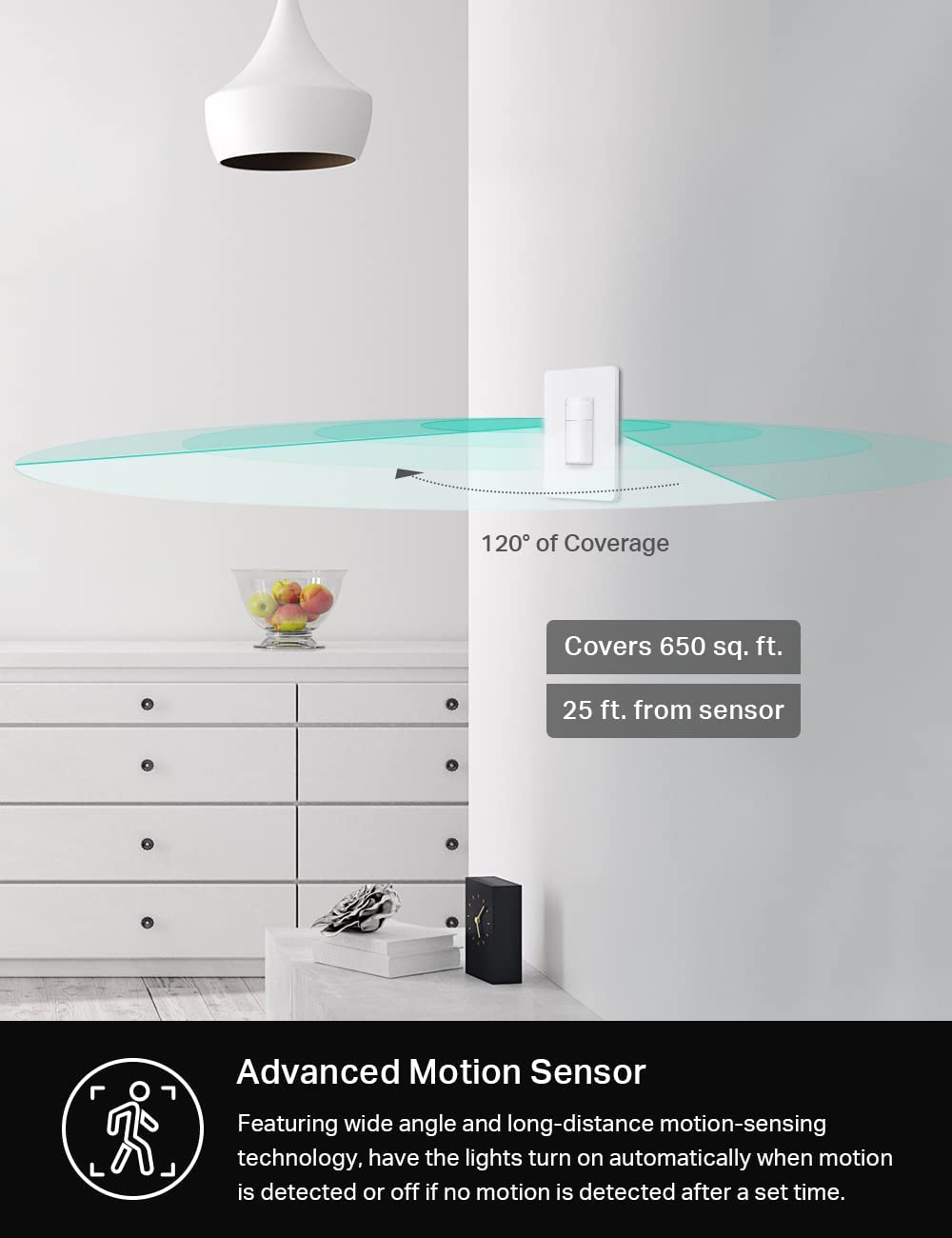

The Kasa Smart Motion Sensor Switch (2-Pack) brings hands-free convenience to your home, automatically turning lights on when motion is detected and off after a preset time—plus smart daylight sensing prevents activation during the day. With voice control via Alexa and Google Assistant, and app-based scheduling through the Kasa app, you can manage your lights from anywhere. Its Smart Mode and Away Mode add security by mimicking occupancy, and the UL-certified design requires a neutral wire and 2.4GHz Wi-Fi. Ideal for hallways, bedrooms, and restrooms, this reliable, no-hub switch simplifies your smart home setup while saving energy.
Kasa Smart Motion Sensor Switch Review: The Ultimate Hands-Free Light Switch
Imagine walking into your hallway at night and having the light turn on automatically, then turning itself off after you leave. No fumbling for switches, no wasted electricity. That’s exactly what a smart motion switch delivers. The Kasa Smart Motion Sensor Switch (KS200MP2) takes this convenience to the next level by combining motion detection with Wi-Fi connectivity, voice control, and smart schedules. Whether you’re upgrading a bathroom, garage, or child’s room, this motion sensor light switch makes your home feel truly intelligent. In this guide, we’ll explore every feature, share real-world performance insights, and help you decide if it’s the right wifi light switch for your needs. For a deeper look at building a connected ecosystem, check out our Smart Home Hub guide.

This hands-free light switch is part of the Kasa Smart ecosystem, trusted by over 7 million users worldwide. It works with all bulb types (up to 600W incandescent/halogen, 300W CFL/MLV/ELV), requires a neutral wire, and operates on 2.4GHz Wi-Fi. For a visual walkthrough, watch this detailed review and demo.
What Makes a Smart Motion Switch Essential?
A smart motion switch eliminates the need to touch a wall plate every time you enter or leave a room. It uses an occupancy sensor to detect movement and automatically turns lights on when someone is present, then off after a preset time of inactivity. This is especially useful in high‑traffic areas like hallways, laundry rooms, and bathrooms where your hands are often full.
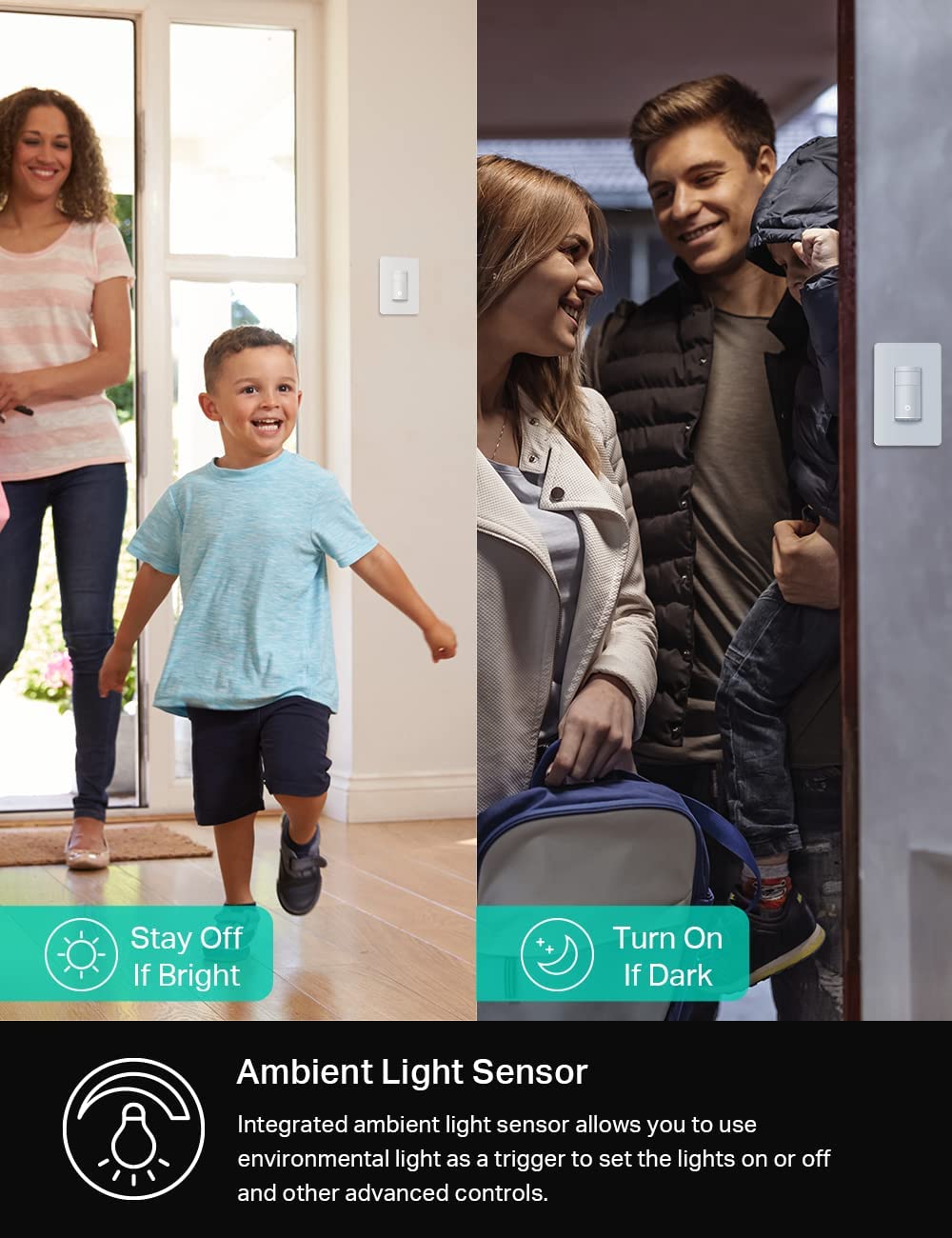
Beyond convenience, it promotes energy savings. Lights won’t stay on for hours because someone forgot to flip the switch. The Kasa model even includes daylight detection, so it won’t turn on during the day when natural light is sufficient. This combination of automation and efficiency makes it a true energy saving device for any smart home switch setup.
Key Features of the Kasa Smart Motion Sensor Switch
The KS200MP2 isn’t just a basic motion detector; it’s a fully connected smart lighting controller. Here’s what sets it apart:
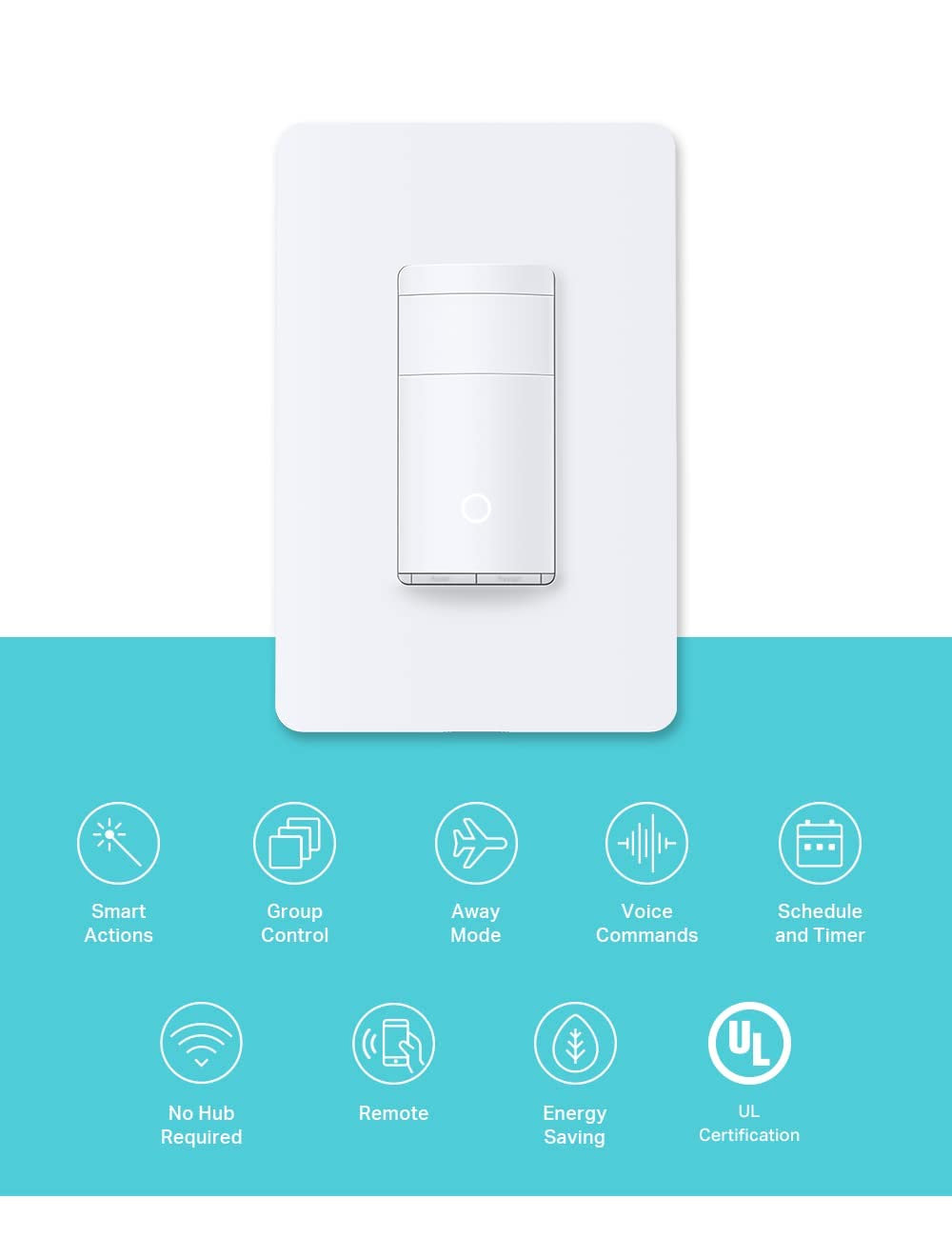
- Advanced Motion Detection – Triggers lights instantly when motion is detected and turns them off after a user‑adjustable timeout. Perfect for bedrooms, restrooms, and hallways where hands-free light switch operation is ideal.
- Daylight Detection – Built‑in ambient light sensor prevents the switch from activating when the room is already bright, saving electricity.
- Smart Mode & Away Mode – Set different auto‑on/off schedules based on your daily routine. Away mode randomly toggles lights to simulate occupancy, enhancing home security.
- Voice & App Control – Works with Amazon Alexa, Google Assistant, and Samsung SmartThings. Use the free Kasa app on your phone to control lights from anywhere.
- No Hub Required – Connects directly to your existing 2.4GHz Wi‑Fi network, no extra bridge or hub needed.
- UL Certified & Reliable – Rigorously tested for safety by a third‑party laboratory and backed by a 2‑year warranty.
- Works with All Bulb Types – Supports incandescent, halogen, CFL, MLV, and ELV loads up to the specified wattages.
According to a detailed review on Smart Home Explorer, the Kasa KS200M earned a consensus score of 7.5/10 from expert reviewers, highlighting its advanced capabilities and ease of use.
Smart Motion Switch vs. Traditional Switch: Comparison
| Feature | Kasa Smart Motion Switch | Traditional Toggle Switch |
|---|---|---|
| Operation | Automatic motion + app/voice control | Manual on/off only |
| Energy Saving | Occupancy + daylight sensing | None – relies on user |
| Remote Control | Via Kasa app, Alexa, Google Assistant | Not possible |
| Smart Scheduling | Yes (Smart Mode & Away Mode) | No |
| Installation | Requires neutral wire, 2.4GHz Wi‑Fi | Simple wiring, no network needed |
Pros and Cons of the Kasa Smart Motion Switch
Pros
- Completely hands‑free operation – ideal for busy spaces.
- Built‑in daylight sensor saves energy by avoiding unnecessary activation.
- Away Mode adds a layer of security by mimicking occupancy.
- Works with major voice assistants (Alexa, Google Assistant, SmartThings).
- No hub required – direct Wi‑Fi connection simplifies setup.
- UL certified for peace of mind.
- Comes in a 2‑pack, offering great value.
Cons
- Requires a neutral wire – may not be compatible with older homes.
- Only supports 2.4GHz Wi‑Fi, not 5GHz.
- Motion detection range is about 25 feet; might need placement planning.
- No dimming function – this is an on/off switch only.
- App‑guided installation can be confusing for absolute beginners (though YouTube guides help).
Setting Up Your Kasa Smart Motion Switch
Installing the KS200MP2 is straightforward if you have basic electrical knowledge and a neutral wire in your wall box. The Kasa app provides step‑by‑step instructions with diagrams. Here’s an overview:
- Turn off power at the circuit breaker.
- Remove the existing switch and identify the wires (line, load, neutral, ground).
- Connect the Kasa switch wires using wire nuts – the app labels each wire clearly.
- Secure the switch into the wall box and attach the faceplate.
- Restore power and follow the app prompts to connect to your 2.4GHz Wi‑Fi network.
For a real‑world installation walkthrough, check out this install and review video that shows the entire process. Once connected, you can immediately test motion detection and customize settings.
If you’re new to home automation, this switch integrates seamlessly with other Kasa devices. You can create smart actions – for example, turn on a lamp when the motion switch detects movement in the hallway. This kind of interoperability is why the Matter smart home standard is gaining traction, though Kasa uses its own ecosystem that works with Alexa/Google.
Advanced Modes for Everyday Convenience
The Kasa app gives you two smart modes beyond basic motion detection:
Smart Mode – Lets you set different trigger thresholds based on time of day. For example, you can set the light to turn on with motion only during evening hours, or with a shorter timeout in high‑traffic periods.
Away Mode – Simulates occupancy by turning lights on and off randomly while you’re on vacation. This is a powerful security feature that doesn’t require additional sensors.
Combined with daylight detection, these modes make the switch highly adaptable. You can fine‑tune every parameter through the app, including motion sensitivity and auto‑off timer (1, 5, 10, 15, 20, or 30 minutes).
Voice Control and Integration
Because the Kasa motion switch is Wi‑Fi enabled, you can control it with your voice through Amazon Alexa or Google Assistant. Just say “Alexa, turn on the hallway light” or “Hey Google, set the bathroom light to turn off in 10 minutes.” The switch responds instantly and doesn’t require a separate hub.
It also works with Samsung SmartThings for more advanced automation routines. This flexibility makes it a core component of any smart home switch upgrade.
Frequently Asked Questions (FAQ) about Smart Motion Switches
Q: Does the Kasa motion switch work without Wi‑Fi?
A: The motion detection and auto‑off function still work even if Wi‑Fi is down, because the sensor is local. However, app control and voice commands require a network. For a discussion on this, the TP‑Link community forum has user experiences.
Q: Can I use this switch with LED bulbs?
A: Yes, it supports 300W of CFL, LED, or MLV/ELV loads. Most modern LEDs are compatible, but check that the total wattage doesn’t exceed the rating.
Q: Is a neutral wire required?
A: Yes, the Kasa KS200M requires a neutral wire for power. If your wall box doesn’t have one, consider consulting an electrician or looking for a no‑neutral alternative.
Q: Can I pair this switch with other Kasa products?
A: Absolutely. It’s part of the Kasa Smart Ecosystem, so you can create groupings and smart actions with Kasa plugs, bulbs, and other switches.
Q: How far does the motion sensor detect?
A: Up to approximately 25 feet, with a 180° field of view. For larger rooms, placement matters.
Get the Kasa Smart Motion Sensor Switch (2‑Pack)
Upgrade your home with hands‑free lighting that saves energy and works with Alexa. The 2‑pack covers two rooms and includes everything you need for a worry‑free installation.
Conclusion
The Kasa Smart Motion Sensor Switch is an excellent choice for anyone wanting to automate their lighting without a major investment. Its built‑in motion and daylight sensors, combined with Wi‑Fi connectivity and voice control, make it a versatile smart motion switch that fits into most modern homes. The app‑guided setup is user‑friendly, and the UL certification provides safety assurance. Whether you’re looking to add convenience to a hallway or security to your entryway, this switch delivers reliable performance.
If you’re expanding your smart home switch ecosystem, consider pairing this with other automated helpers like a Robot Vacuum Mop to truly streamline your daily routine. For more insights on connected living, explore our other guides.