


Steam Deck OLED and ROG Ally X are battling for the top spot in handheld PC gaming, but which is truly better for real-world players? This guide breaks down their strengths and weaknesses—no fluff, just honest analysis about display quality, game library access, long-term comfort, and the big (and small) costs.
Key Takeaways
- Steam Deck OLED offers superior display punch and seamless SteamOS experience, while ROG Ally X brings higher resolution and Windows flexibility—but at the cost of more hassle.
- Hidden factors like weight balance, heat, and OS updates make a bigger difference during long gaming sessions than most reviews reveal.
- Hidden costs, storage limits, and out-of-the-box compatibility issues can make or break satisfaction post-purchase.
- Steam Deck OLED vs ROG Ally X: At-a-Glance Comparison Table
- Display Showdown – OLED vs IPS: Specs, Colors, and Real-World Experience
- Performance, Battery Life, and Charging in the Real World
- Ergonomics, Build Quality, and Comfort—Marathon Sessions Compared
- Software Ecosystem & Game Compatibility: SteamOS vs Windows
- Market Trends: Sales, Market Share & Community Buzz in 2024
- Common Complaints & Hidden Costs: What Buyers Regret Post-Purchase
- The Top 3 Overlooked Factors in Choosing Between Steam Deck OLED and ROG Ally X
- Final Recommendation: Which Handheld is the Best Choice in 2024 and Why?
- FAQ
Steam Deck OLED vs ROG Ally X: At-a-Glance Comparison Table
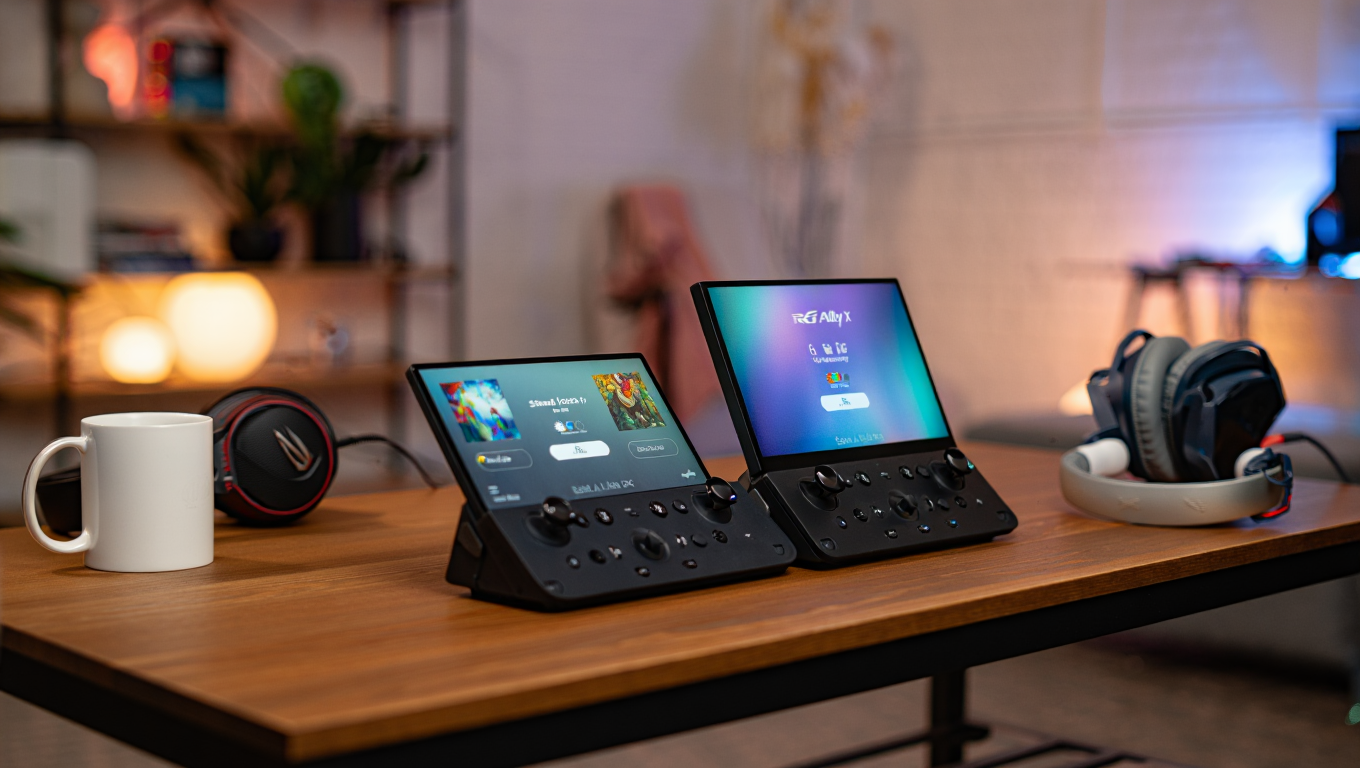
Choosing between the Steam Deck OLED and ROG Ally X isn’t just about specs. Here’s a clear comparison that highlights what you really get for your money, including availability, display, and core performance details.
| Feature | Steam Deck OLED | ROG Ally X |
|---|---|---|
| Release Date | Nov 2023 | June 2024 |
| Launch Price (Base/Bundle) | $549 (512GB) / $649 (1TB) | $799 (1TB), $899 (2TB bundle) |
| Global Availability | North America, Europe, Asia—Widely in stock | Worldwide pre-orders, limited retail in Asia & Europe |
| Display | 7.4″ OLED, 1280 x 800, 90Hz, 1000 nits peak, <0.1ms | 7″ IPS LCD, 1920 x 1080, 120Hz, 500 nits, ~3ms |
| CPU/GPU | AMD Ryzen Z1 Extreme, Custom RDNA 2 | AMD Ryzen Z1 Extreme, RDNA 3 |
| RAM | 16GB LPDDR5 | 24GB LPDDR5 |
| Battery | 50Wh | 80Wh |
| Operating System | SteamOS 3.6 (Linux-based) | Windows 11 Home |
| Weight | 640g (1.41lbs) | 678g (1.49lbs) |
Display Showdown – OLED vs IPS: Specs, Colors, and Real-World Experience
Display quality is at the heart of the Steam Deck OLED vs ROG Ally X battle. Here’s how their screens stack up—and why numbers alone don’t tell the story.
- Steam Deck OLED display: 7.4″ OLED, 1280×800, up to 90Hz, 1000 nits peak brightness, ultra-fast <0.1ms latency, and full DCI-P3 color space. Black levels and HDR pop are immediate standouts—the OLED panel is noticeably more immersive in darker games and high-contrast scenes. OLED’s instantaneous pixel response means less ghosting, too.
- ROG Ally X display: 7″ IPS LCD, 1920×1080 resolution, up to 120Hz, 500 nits brightness, ~3ms latency, and 100% sRGB coverage. Higher pixel density is obvious for sharper text and UI elements, and the 120Hz refresh rate is welcome in fast games.
Real-world use matches these stats: Steam Deck OLED has richer colors, infinite black, and remains visible in sunlight. The community agrees OLED looks punchier in almost any lighting, whereas the Ally X excels when 1080p or 120Hz is required for twitchy shooters.
For most AAA games, Steam Deck OLED’s slightly larger screen and strong HDR experience contribute more to immersion than just raw pixel count. Yet for indie or desktop-style applications, the Ally X’s extra sharpness at 1080p can stand out.
Performance, Battery Life, and Charging in the Real World
Specs on paper rarely match what you’ll get over hours of real play. Here’s the honest breakdown on speed, battery, and charging for both devices—from user benchmarks and tests.
- Steam Deck OLED battery: 50Wh; typical playtime runs from 3 to 8 hours, depending on game and settings. Lightweight indies or emulation can stretch battery life, but demanding titles like Cyberpunk chew through the charge quickly. Rapid charging: about 45 minutes to 80% using the included charger—useful for topping up between sessions.
- ROG Ally X battery life: 80Wh (huge bump up from prior models); realistically 4 to 10 hours, but heavy AAA games can see the Ally X drop almost as fast as the Deck under heavy load. Windows background tasks and updates can quietly eat battery in standby, a commonly reported frustration. Charge times hover around 60-75 minutes to 80%.
Real-world use cases show the Steam Deck OLED often edges ahead in battery efficiency per watt-hour, especially in low to mid settings, likely due to its native 800p resolution and Linux optimizations. For long marathons unplugged, the Ally X’s physically larger battery can be a lifesaver, but gaming at full 1080p/120Hz does have a big impact on how long it’ll actually last.
Ergonomics, Build Quality, and Comfort—Marathon Sessions Compared
Handle each device for two hours and you’ll likely notice what specs won’t tell you. Here’s the breakdown:
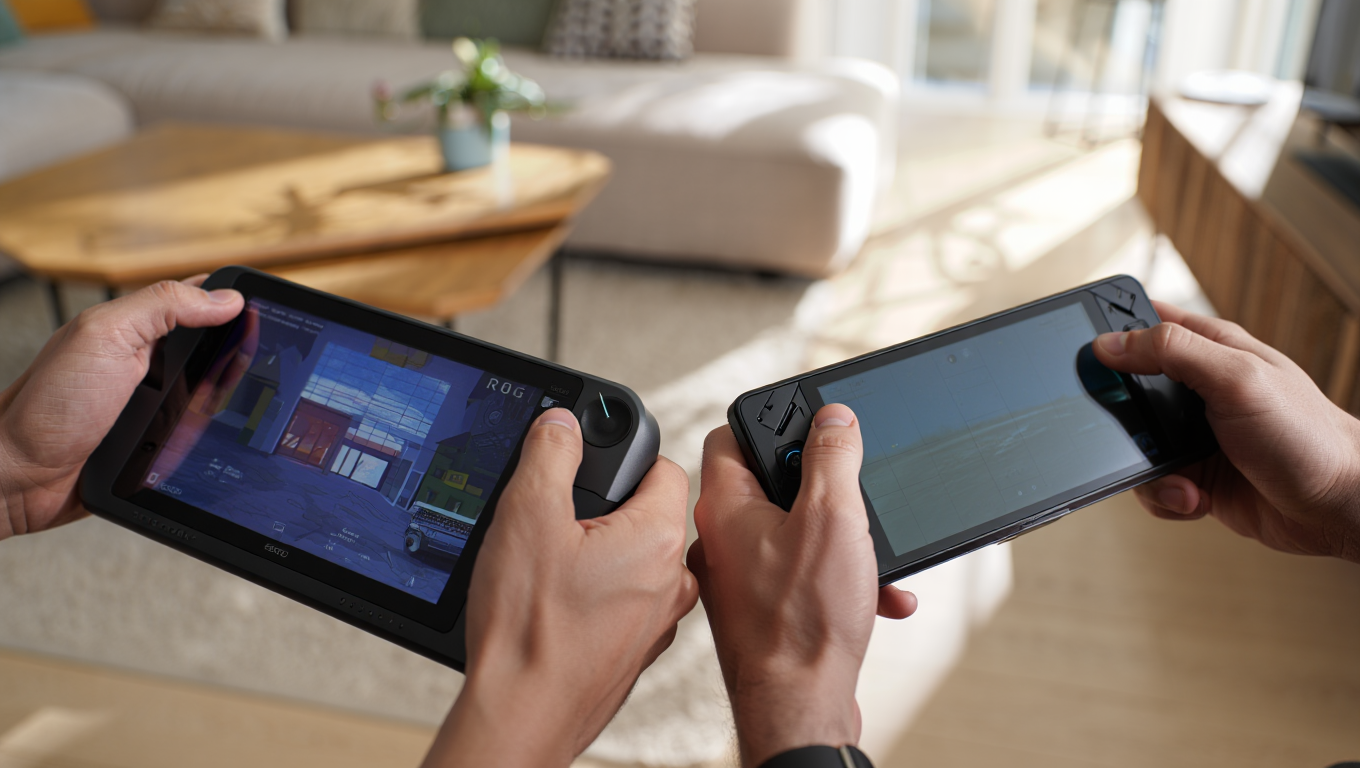
- Steam Deck OLED comfort: Community users appreciate Valve’s grip shape, but some complain about “bulkiness” and hand fatigue after long sessions—not so much weight as the way weight is distributed and buttons fall to hand.
- ROG Ally X ergonomics: Slimmer and slightly lighter on paper, but button and D-pad placement can feel awkward (especially for those with larger hands). A frequent complaint is warmth near the top edge and rear grips after extended use—especially when pushing AAA titles.
Most mainstream reviews gloss over how heat and weight distribution add up over multi-hour sessions. On Reddit and gaming forums, it’s clear: Steam Deck OLED can feel “cushier” for some, but ROG Ally X remains “cooler” in quick bursts only. For actual travel or long commutes, both require adjustment—test in-person before buying if possible.
Software Ecosystem & Game Compatibility: SteamOS vs Windows
Your experience depends as much on software as hardware. The Steam Deck OLED runs SteamOS, giving seamless access to your Steam library and one-click installations. Thanks to Valve’s “Proton” compatibility layer, over 80% of top Windows games run out of the box—even ones that aren’t natively Linux.
In contrast, the ROG Ally X runs Windows 11 Home. You get all the native launchers—Epic, Xbox, EA, and GOG—but with more setup and more driver headaches. Reviews and users regularly report software bugs, update interruptions, and the hassle of customizing Windows for handheld use. For Steam games, especially, you’ll need to tinker with Big Picture mode or third-party launchers to get a console-like experience. Updates can interrupt sessions and even cause controller mapping issues—something Valve has intentionally simplified on the Deck.
If you want to install mods, emulators, or less common storefronts, both are possible, but Windows is more flexible—at the cost of more configuration and more things that can break. Meanwhile, SteamOS gets robust updates direct from Valve without the need to manage drivers or worry about security popups.
Market Trends: Sales, Market Share & Community Buzz in 2024
Looking at numbers helps cut through the marketing hype. In 2024, handheld PC gaming is maturing, and the Steam Deck OLED leads with an estimated 1.8 million units sold since launch, according to recent industry tracking. Comparatively, the ROG Ally X scored a reported 150,000 pre-orders within its first month—a strong start, but Valve dominates with about 60% of the handheld PC market.
Online momentum favors the Deck, especially among first-time buyers and Linux-curious gamers. Asus is gaining traction (especially with high-end upgraders), but remains the underdog. Google Trends and Reddit analytics show much higher interest in “Steam Deck OLED sales” compared to “ROG Ally X popularity,” especially after major game launches or Steam sales events. For more on why some buyers look for alternative hardware, our Smart Ring Health Tracker guide shows how mobile tech trends influence new device adoption.
Common Complaints & Hidden Costs: What Buyers Regret Post-Purchase
Beyond the sales pitch, what frustrates owners most? Here’s a realistic look at the most common complaints and unexpected costs tied to each platform:
- Steam Deck OLED complaints include soldered (non-user-replaceable) internal storage—meaning upgrades require buying a new device or relying on microSD cards (which run slower for big games). Some titles outside the Steam ecosystem still have compatibility issues, and repair options remain limited outside Valve-certified partners.
- ROG Ally X negative reviews mainly center on software and driver stability, battery drain issues under Windows (especially in sleep), and extra costs for a larger SSD, an official carry case, or faster charging accessories. Drivers are updated regularly, but some updates break compatibility without warning.
Both devices incur hidden ownership costs over time—screen protectors, cases, and in the ROG Ally X’s case Windows license activation if you do a clean OS install. As repairability becomes a bigger topic, Steam Deck OLED’s parts ecosystem lags official support, while ROG Ally X offers a few more DIY options. For more ways to future-proof your device, don’t miss our Copilot Plus PC insights for desktop workflow upgrades.
The Top 3 Overlooked Factors in Choosing Between Steam Deck OLED and ROG Ally X
Most comparison articles stop at specs. Here are the three rarely-discussed differences that matter over months—not minutes—of use.
- Long-term OS support: SteamOS is tailored for gamepad-first use, and Valve has proven steady with updates, bug fixes, and performance boosts. ROG Ally X, depending on Microsoft’s Windows cycle, may face more driver, update, or licensing headaches, especially with major feature changes.
- True in-hand comfort: After 2 hours, hand size really matters. Users with smaller hands tend to prefer Steam Deck OLED’s curved grips, while those with bigger hands often cite the Ally X’s slimmer build as less fatiguing—though some hot spots and awkward controls tilt the deck in Valve’s favor for pure comfort.
- Noise & heat management: In quieter rooms, both handhelds make cooling fan noise, but ROG Ally X tends to be louder and blow “hotter” air near your fingertips. The Deck OLED still gets warm, but spreads it better and draws less power under typical loads.
For other overlooked but evolving device trends, see our feature on AI Wearable Pin—tech adoption is often about subtle daily wins, not just benchmarks.
Final Recommendation: Which Handheld is the Best Choice in 2024 and Why?
Bottom line: Both devices excel, but for different types of gamers. Here’s where they shine:
| Who Should Buy… | Summary |
|---|---|
| Steam Deck OLED |
|
| ROG Ally X |
|
For full hardware deep dives, check TrustedReviews’ direct comparison. If you’re researching broader device trends, our look at Portable AI Translator and AI Wearable Pin dives into how user habits shift with new tech.
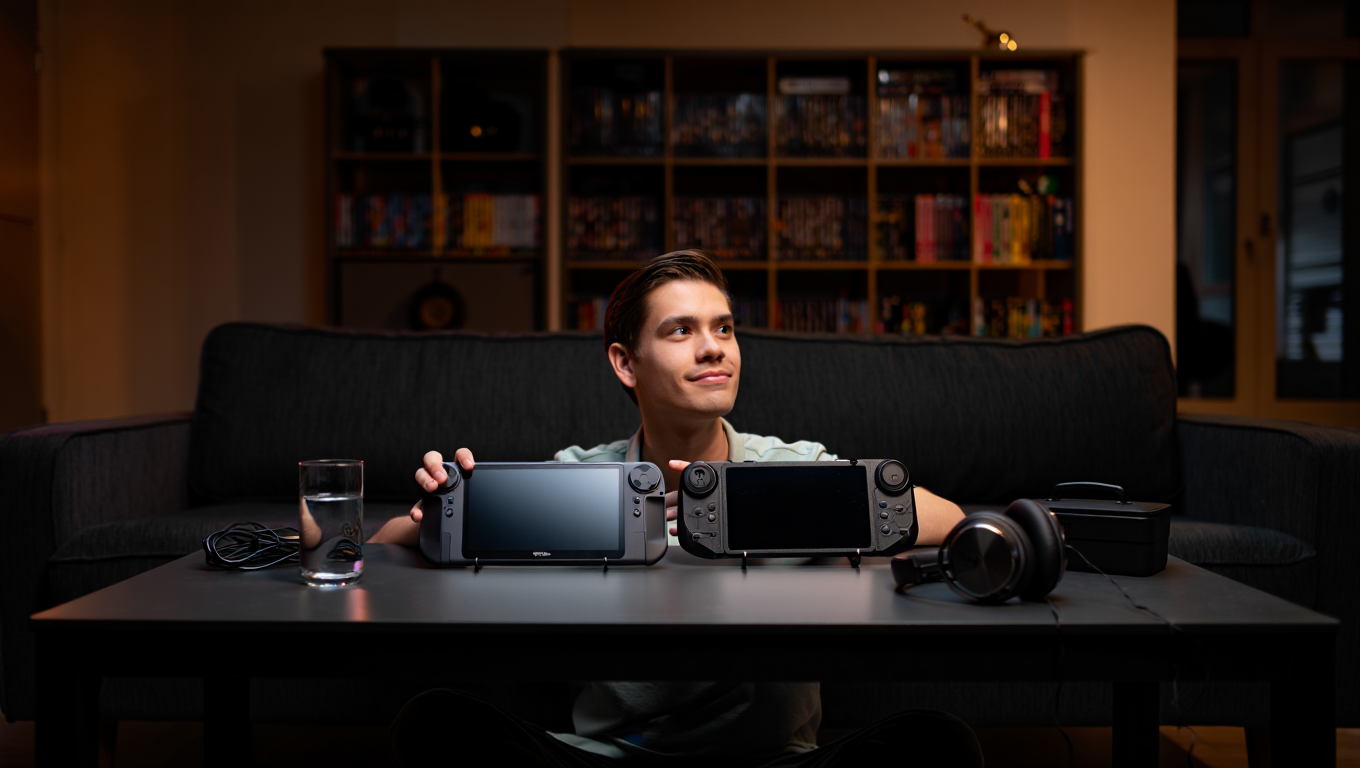
Whether you choose the Steam Deck OLED or the ROG Ally X, focus on how you really game. If smooth, console-like simplicity is your goal, the Steam Deck OLED currently provides the most seamless portable PC gaming experience. For power users and Windows tinkerers, the Ally X might be worth the compromise. Still undecided? Try each in-store if you can, and join the community forums to ask real owners before you commit.
Ready to buy or upgrade? Research, try in person, and be sure the Steam Deck OLED matches your playstyle before hitting purchase—you’ll thank yourself later.
FAQ
Is the Steam Deck OLED display better than the ROG Ally X’s?
For colors, contrast, and HDR, yes—the OLED on Steam Deck OLED gives deeper blacks and more vivid graphics. However, Ally X has sharper resolution (1080p) and higher refresh (120Hz), which can be better for text-heavy games and fast shooters. Both are good, but the OLED is more immersive for most AAA games.
How long does the battery actually last?
Steam Deck OLED: 3–8 hours, depending on game settings and brightness. ROG Ally X: 4–10 hours, but running beefy games at full 1080p and 120Hz can drain the battery nearly as fast as the Deck. Battery life always depends on what you play and your settings.
Can I upgrade storage on both?
ROG Ally X uses standard M.2 SSDs (user-upgradeable), but Steam Deck OLED’s main storage is soldered—you’ll need a microSD card for easy upgrades, which is slower for big games.
Which is better for modding or running non-Steam games?
ROG Ally X’s Windows 11 setup is much more flexible—install anything you want, but be ready for more tinkering and updates. Steam Deck OLED can do a lot via Proton and community tools, but SteamOS is more locked down and focused on the Steam library.
Are there any ongoing software or driver issues?
ROG Ally X frequently gets bug reports after picking up Windows/driver updates. Steam Deck OLED has less frequent issues since Valve controls the OS and updates are tightly managed. Both platforms have active troubleshooting communities.